White Label
White Label Image Editor with Your Logo and Colors
Your users edit photos in an editor that looks like the rest of your app: your three brand colors, your logo and name in its bar, your language. Four props set it, and they work in every edition. The Free and the Trial carry a small embededitor.com badge; the Lite and the Full carry none, so the editor shows your brand alone.
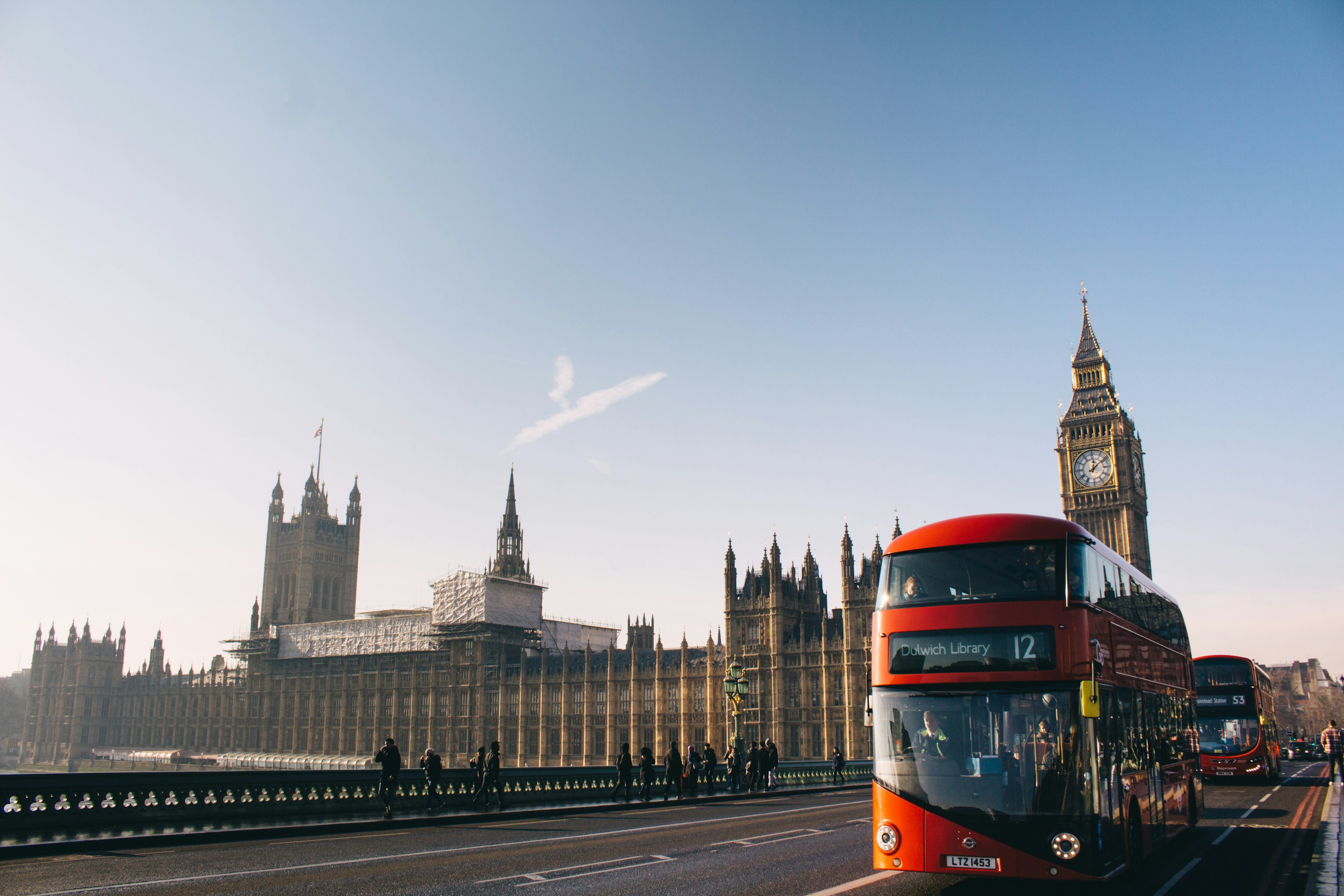
The editor, running in your browser, in a sample brand: its three colors, its logo and its name. It is the Trial, so the embededitor.com badge shows in the corner of the menu; the Lite and the Full show none. Photo by Aron Van de Pol on Unsplash.
What It Does
What White Label Gives Your Users

Three Colors, the Whole Palette
accent paints what acts: Save, Annotate while on, Choose File, selections and the annotations' first color. controls paints the value rings, the ruler's needle and a slider's handle. surface is the body: backgrounds, text and lines. Each becomes a full 50 to 950 scale.
Colors That Always Match
colors is the only way to theme the editor: your page's styles and custom properties never reach it. A scale and the text on it always match, and Save's text turns dark or light to stay readable on your accent.
Your Logo and Name in the Bar
logo takes an http(s):, data: or blob: URL, SVG included, and logoText your name, alone or after the logo. They sit at the left end of the toolbar, on one line cut with an ellipsis where it doesn't fit.
Its Language
lang shows the editor in English, Spanish or Brazilian Portuguese and switches live. Give it your own texts to replace any message over a built-in language, or to bring a new one.
No Badge in the Lite and the Full
The Free and the Trial carry a small embededitor.com badge in the corner of the menu, in its own colors whatever colors says. The Lite and the Full carry none: the editor shows only your brand.
In Code
The Props That Control It
PhotoEditor.tsx
import { EmbedEditor, Lang } from '@embededitor/full/react';

const PhotoEditor = ({ lang, src }: { lang: Lang; src: string }) => (
	<EmbedEditor
		colors={{
			accent: '#ff5a47',
			controls: '#ffb547',
			surface: '#2b6a7f'
		}}
		lang={lang}
		logo='/wayloom.svg'
		logoText='Wayloom'
		src={src}
	/>
);

export default PhotoEditor;Use Cases
Where It Fits
SaaS Apps
Put the editor inside your product in your colors, with your logo and name, so it reads as one more screen of your app.
Agencies
Deliver each client's site with the editor in that client's brand: its own logo, name and colors, from the same package.
Marketplaces
Sellers edit their listing photos in an editor that carries the marketplace's name and nobody else's.
Apps in Several Languages
Set lang from the person's locale, or bring your own words for every message.
FAQ
Questions
Can the editor show my logo and name?
Yes. logo takes an http(s):, data: or blob: URL, SVG included, and logoText your name, alone or after the logo. Both sit at the left end of the toolbar, in every edition. A logo that fails to load leaves the name alone.
Which editions show no embededitor.com badge?
The Lite and the Full. The Free, free for commercial use, and the Trial, for evaluation, carry a small embededitor.com badge in the corner of the menu. Your colors, logo, name and language work the same in all four.
How do I change the editor's colors?
Give colors one base color per role, accent, controls and surface, as a hex, rgb(), hsl() or a CSS color name. Each becomes a 50 to 950 scale, and a role you leave out keeps its default, yellow on zinc. An invalid color is an INVALID_PROPS error that names the role.
Which languages does the editor speak?
English, Spanish and Brazilian Portuguese: en-us, es-es and pt-br, switched live with lang. Pass your own texts to replace any message over a built-in language, or to bring a new one.
Does the badge end up in the saved photo?
Not while it shows: Save, Copy and Share write your photo alone. If the page removes, hides or covers the Free's or the Trial's badge, the photos it exports carry an embededitor.com watermark across the whole photo.
Try white label in the playground.
It opens with this feature on. Change the edition, the colors and the tools, and copy the code for your app.
More features: Crop, Filters, Annotations, Obfuscate, Watermark, Large Photos.