JavaScript
JavaScript Image Editor, No Framework Needed
Embed Editor mounts on any page with one function call, and needs no framework. The standalone entry has React bundled inside, so a plain page or a server-rendered template adds nothing: mountEditor(element, options) draws the editor in the element and returns update and destroy.
Install
Add It to Your JavaScript App
Free is on public npm, with no key. Lite and Full install from the private registry with your license key: put the two lines in your project's .npmrc, keep the key in an environment variable, then install by name.
Terminal
npm install @embededitor/freeindex.html
<div id="editor" style="height: 600px"></div>

<script type="module">
  import { mountEditor } from '/assets/embed-editor/standalone.js';

  const editor = mountEditor(document.getElementById('editor'), {
    onProcess: ({ dest }) => {
      console.info('saved', dest.name);
    },
    src: '/photos/sunset.jpg'
  });
</script>
Live
The Editor You Just Installed
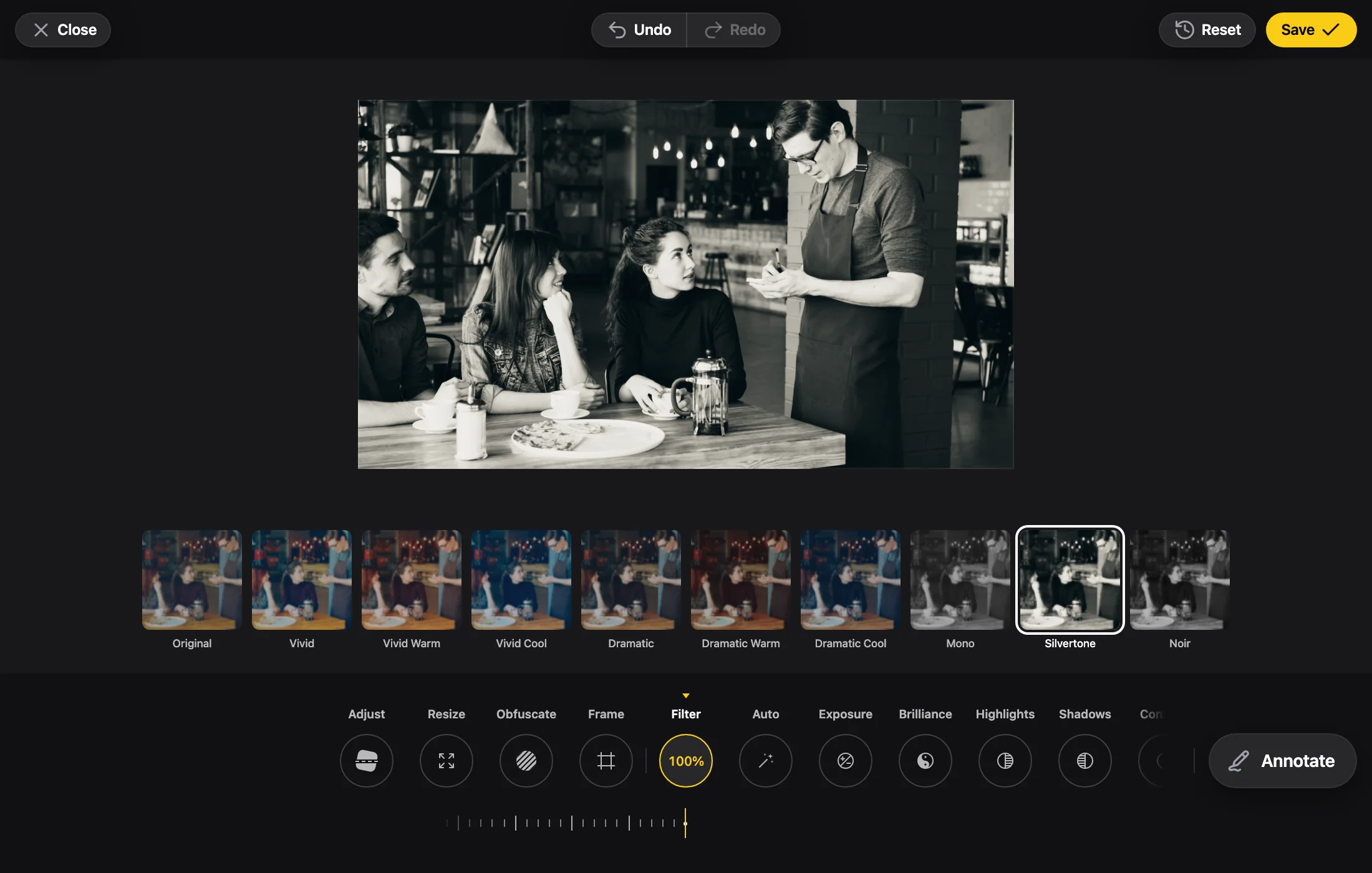
The Full edition with the embededitor.com badge, running in your browser. Photo by Vitaly Gariev on Unsplash.
In JavaScript
What Changes in JavaScript
A Script Tag or a Bundler
Without a bundler, serve the package's dist folder as it is: the entries load their chunks from beside them. With one, import from the package's /standalone entry instead.
One Editor per Element
mountEditor adds a host element inside the element you pass and mounts the editor there. An element holds one editor, and mounting again takes over the first.
update and destroy Are the Whole API
mountEditor returns { update, destroy }. update(options) takes the full options again, like new React props, not a patch, and destroy() removes the editor.
In a React App, Use the React Entry
If your app is React, use the React entry. The standalone one works there too, but then your app ships a second React.
Props
The Props You Will Use Most
The photo: a URL, a File or Blob, bytes, an img element, a canvas or an ImageBitmap.
Called with the saved File and its state. Without it, Save downloads the file.
'page' makes the editor the whole page; it needs viewport-fit=cover in the viewport meta tag.
Called when the editor closes, for instance to go back in history.
The docs' update example switches the language to 'pt-br' with one call.
FAQ
JavaScript Questions
Does the editor need React on my page?
No. The standalone entry has React inside it, so you add nothing to your page. In a React app use the React entry instead: the standalone entry works there too, but your app then ships a second React.
Can I use it without a bundler?
Yes. Serve the package's dist folder as it is and import the standalone file from it. The entries load their chunks from beside them.
Can two editors share an element?
No. An element holds one editor: mounting again takes over the first one. Give each editor its own element.
How do I open it as a dialog or as the whole page?
openEditor opens the editor over the page and returns close. For the whole page instead, mount with layout: 'page' and add viewport-fit=cover to the viewport meta tag, so the safe areas are reported.