Vue
Vue Image Editor
Embed Editor has no Vue component; you mount it from one. mountEditor, from the standalone entry, takes a template ref and the options, draws the editor in it and returns update and destroy. Mount it in onMounted, destroy it in onBeforeUnmount, and the rest is a Vue component like any other.
Install
Add It to Your Vue App
Free is on public npm, with no key. Lite and Full install from the private registry with your license key: put the two lines in your project's .npmrc, keep the key in an environment variable, then install by name.
Terminal
npm install @embededitor/freePhotoEditor.vue
<script setup lang="ts">
import { mountEditor } from '@embededitor/free/standalone';
import { onBeforeUnmount, onMounted, ref } from 'vue';

const props = defineProps<{ src: string }>();
const host = ref<HTMLElement | null>(null);
let editor: ReturnType<typeof mountEditor> | null = null;

onMounted(() => {
  if (host.value) {
    editor = mountEditor(host.value, {
      onProcess: ({ dest }) => {
        console.info('saved', dest.name);
      },
      src: props.src
    });
  }
});

onBeforeUnmount(() => {
  editor?.destroy();
});
</script>

<template>
  <div ref="host" style="height: 600px"></div>
</template>
Live
The Editor You Just Installed
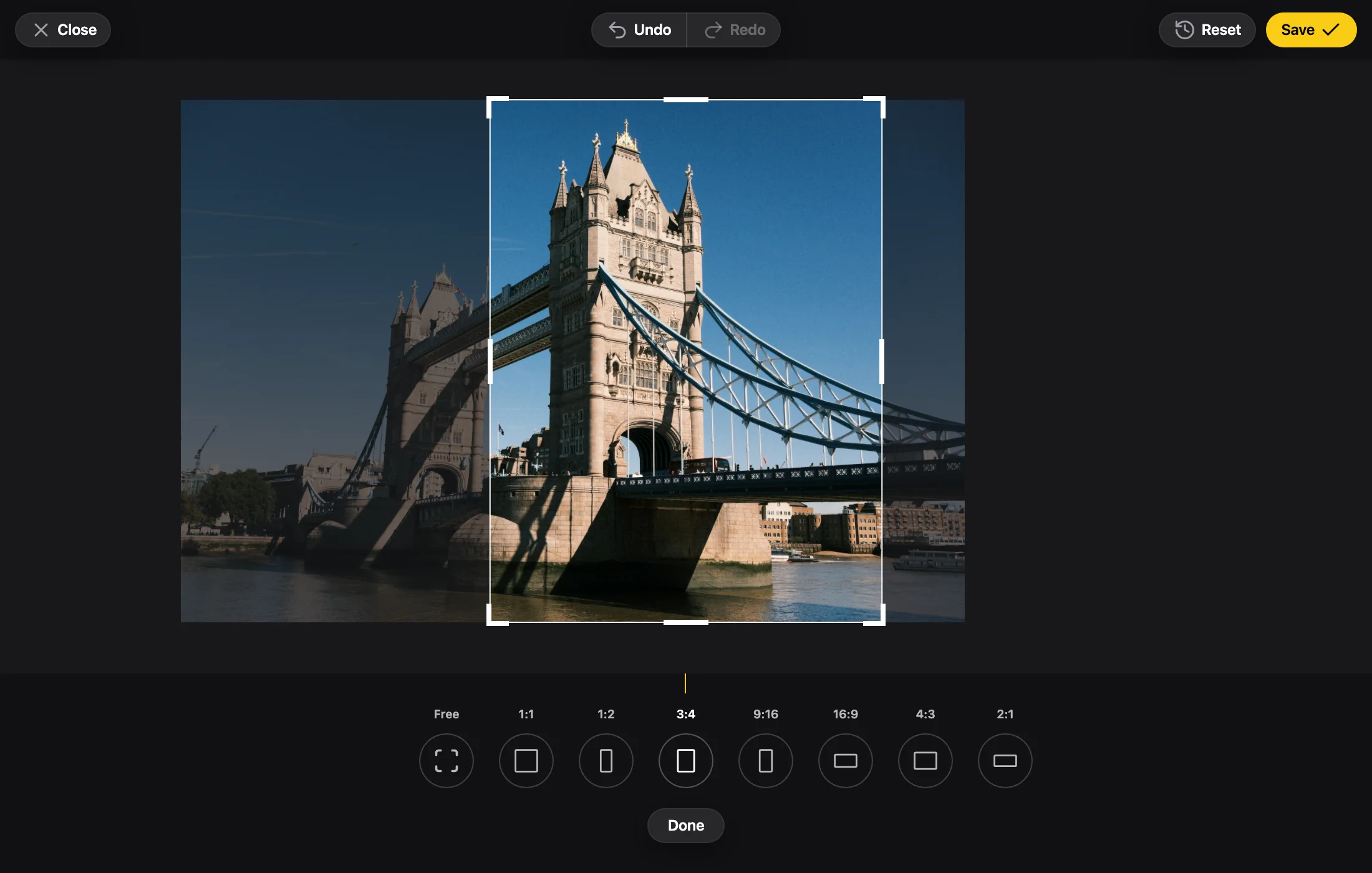
The Full edition with the embededitor.com badge, running in your browser. Photo by Nikita Khavkin on Unsplash.
In Vue
What Changes in Vue
Mount in onMounted
Template refs are null until the component mounts, so mountEditor runs in onMounted, on host.value.
A Watch Sends the Changes
A watch on the props calls editor.update(options). The docs build the options in one function, options(), so the mount and the update send the same shape.
Destroy on Unmount
destroy() goes in onBeforeUnmount, so the editor leaves with the component.
Typed Props with a Default
The docs' component takes lang and src through withDefaults(defineProps(...)), with lang defaulting to 'en-us'.
Props
The Props You Will Use Most
The photo, read when the editor opens: a URL, a File or Blob, bytes, an img or a canvas.
The edits the photo opens with: a state saved before. Read at open, like src.
The one prop the docs' component watches: when it changes, update sends the options again.
Gets the file Save made and its state: emit them to the parent from here.
One base color per role, to match the editor to your app's palette.
FAQ
Vue Questions
Is there a Vue component?
No. In Vue you mount the editor with mountEditor from the standalone entry. It takes an element and the options, and returns update and destroy.
Do I need to install React for a Vue app?
The standalone entry has React inside it. You install the one package and import from its /standalone entry, with no React in your Vue app.
How do I send new props?
Watch the props you care about and call update(options) when one changes, with the options built again from the props.
How do I switch the photo a Vue component shows?
Not with update: while a photo is on screen, a new src waits for the next open. Destroy the editor in the watch and call mountEditor again on the same host.
Set it up for Vue in the playground.
Change the edition, the colors, the tools and the crop, and copy the code for your app.
Another framework: React, Next.js, Angular, Svelte, JavaScript.