Add a Watermark to Photos Online, Free
Write your name or brand in the editor's Watermark tool and it tiles over the whole photo, or sits once in the middle. Change its size, spacing, angle, opacity, color and font, then save.
We never upload your photos. Everything stays in your browser.
Your photos are kept in this browser until you remove them.
Add photos, then open one to edit it. Save downloads it and keeps its edits here; closing the editor drops the edits you haven't saved.
How It Works
Three Steps, All in Your Browser
- 1
Add Your Photos
Choose them, drop them on the page or paste one. They join your library here, and the first one opens.
- 2
Write Your Watermark
Open Watermark in the editor and tap Edit Text to write your name or brand in place of © Your Name. Grid or Single, Size, Spacing, Angle, Opacity, Color and Font set its look.
- 3
Save
Save downloads the edited photo and keeps its edits here, so it reopens with them, still editable.
FAQ
Questions
Can I change how the watermark looks?
Yes, all in the editor's Watermark tool: Edit Text for the words, Grid or Single for a tiled or a single mark, then Size, Spacing, Angle, Opacity, Color and Font. Show takes it off the photo and puts it back.
Is the watermark in the saved photo?
Yes. It is part of the photo Save downloads, drawn over everything else.
Are my photos uploaded?
No. The editor runs in your browser. Your photos and their edits are kept in this browser's own storage (IndexedDB), on your device, and never sent to a server.
Are my edits kept?
When you press Save. Save downloads the photo and keeps its edits here, next to the original, which never changes. The photo then reopens with them, still editable, after a reload, another day or in another of these tools. Closing the editor without saving drops the edits you made, and Back to Original drops the kept ones. Your photos stay until you remove them or the browser clears this site's data. If the browser won't keep them (a private window, no space left), the tool says so and they last until you leave the page.
Is it free?
Yes. There is no account and nothing to install, and the photo you save carries no mark of ours. The editor shows a small embededitor.com badge in the corner of its menu, never on your photo.
Which photo formats does it open?
JPEG, PNG, GIF, WebP, BMP, AVIF, HEIC, HEIF and SVG. Save keeps a JPEG, PNG or WebP in its own format and saves the others as PNG. A photo over 16.7 megapixels is scaled down to that when it opens.
More Free Tools
All Free Tools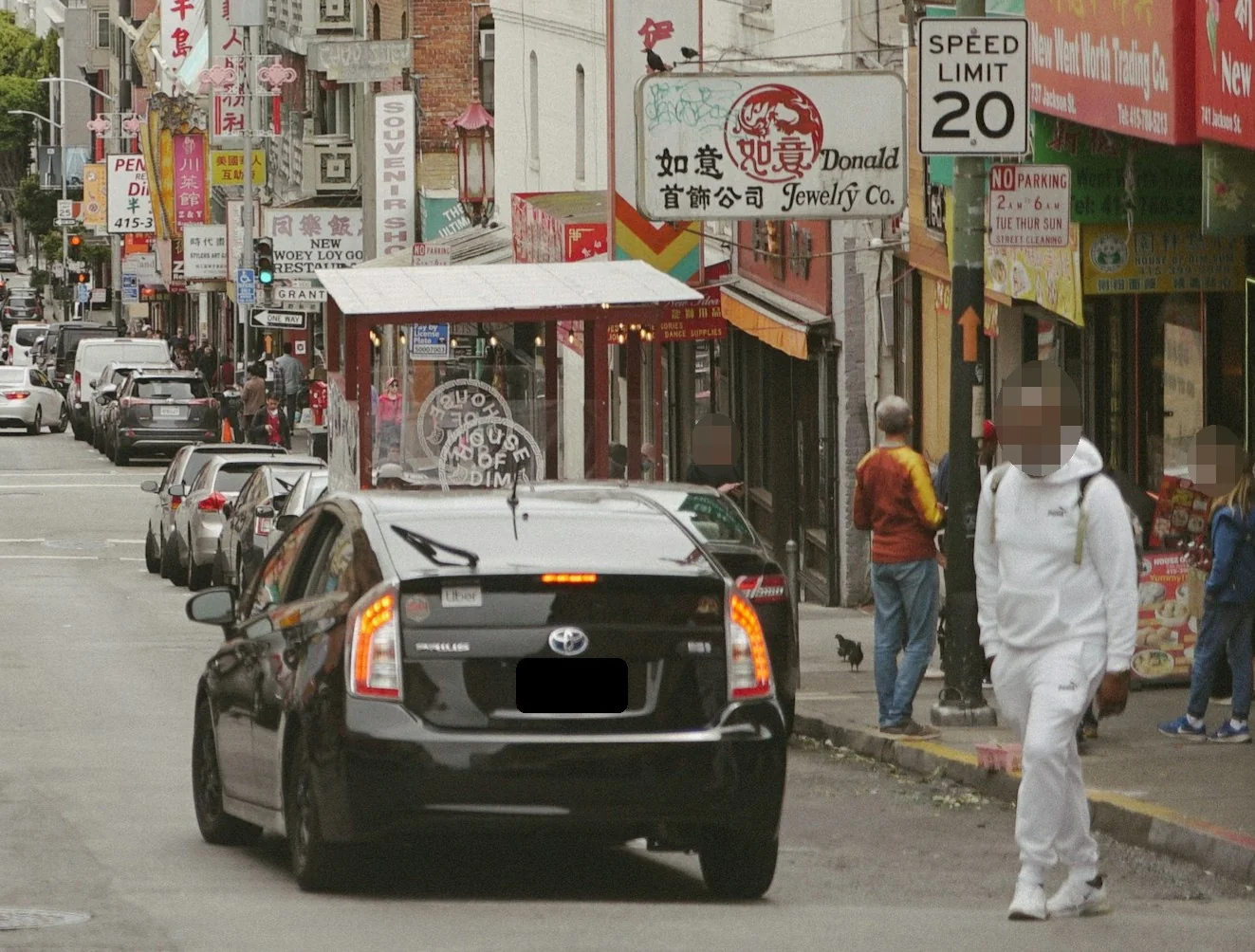 Blur Faces and PlatesHide faces, plates and text with a blur, pixels or a solid block.
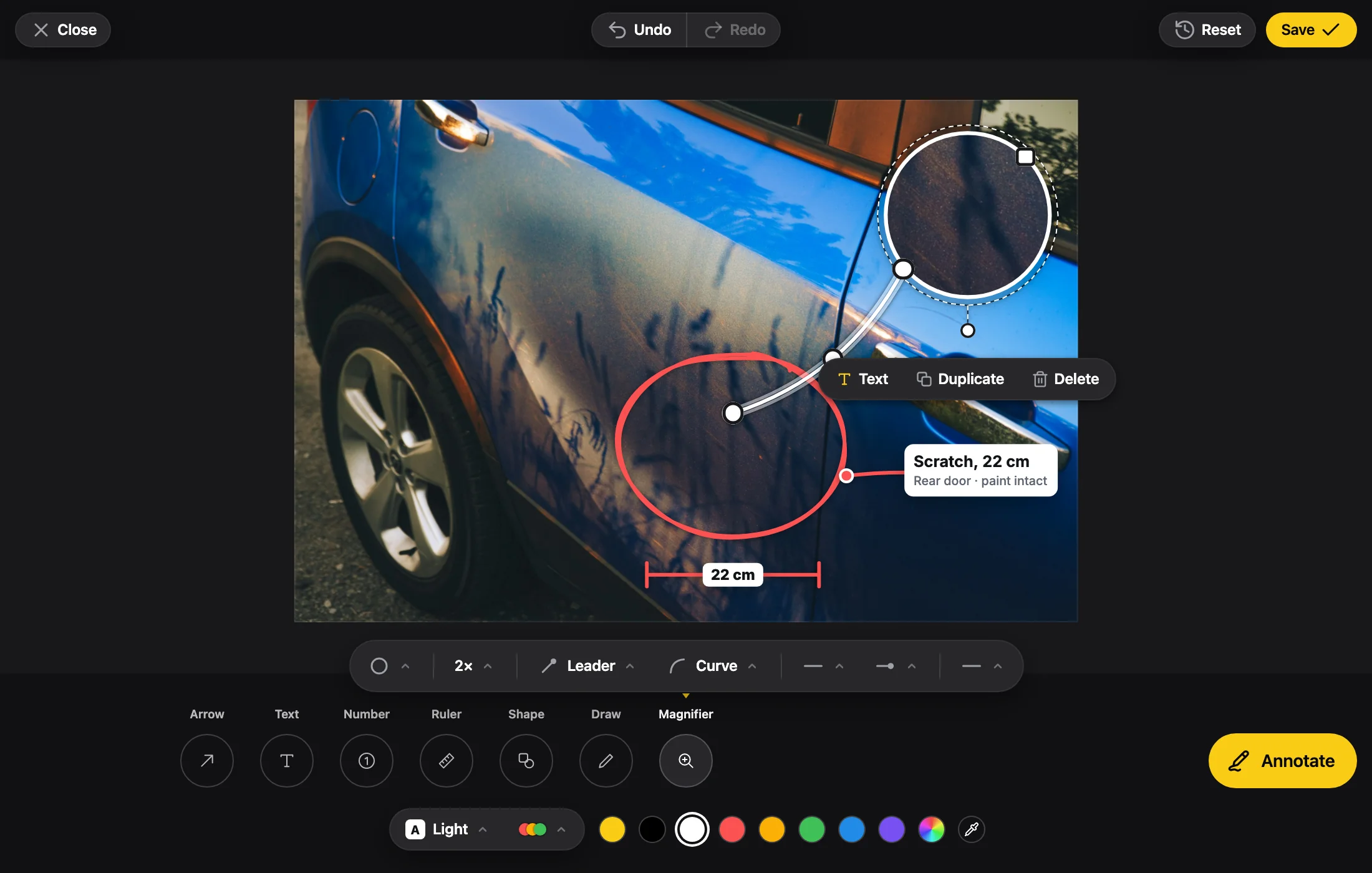 Annotate ImageArrows, text, numbered steps, shapes, drawing and a magnifier.
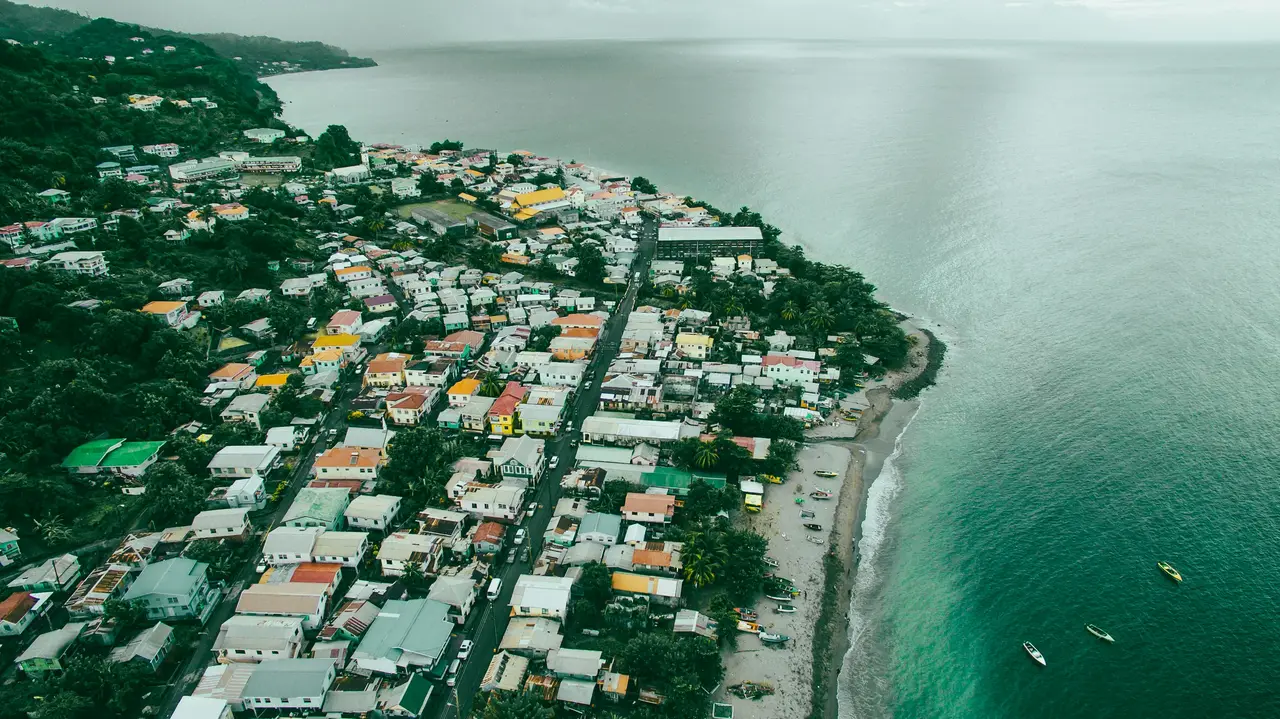 Resize ImageA new width and height in pixels, always in proportion.
Put This Editor in Your App
These tools are Embed Editor, an image editor you embed in your own web app: React, Next.js, Vue, Angular, Svelte or plain HTML. Open it in the playground, pick the tools and the colors, and copy the code.